Video Tutorials
Using Overlay Gradient Tool In Affinity
Figurative Fine Art Nude Masterclass. Pre-Zoom class
Figurative masterclass picture review
Picture review pt 2

Last Friday Class of Summer 2020
Self portrait submissions. Monday class
Self portrait submissions. Tuesday class
Self portrait submissions. Friday class
Ideas and suggestions for self portraiture. Monday class
Ideas for self portraiture. Tuesday Class
Discussion on fine art nude photography
Figurative photography. Tuesday class
How to photograph oil on water
Food Photography Part 1
Food Photography Part 2. Post Production
Class W/C 1st June
How to clone yourself into a picture several times.
Overview of Nik functionality
Monday class 4th May
Tuesday class 5th May
Friday class 8th May
Set up for live shooting over the internet
The video opposite is a simple guide to setting your camera up in readiness for our online modelling class. Remember to cut out as much ambient light as you can before hand, use a tripod and test before hand. Using the auto white balance of the camera should work fine.
Talk by pro photographer Tony Woolliscroft
How to use the Affinity Uplift Sky macro.
How to create a triptych in Affinity Photo
How to use frequency separation, extended backgrounds, selective adjustment layers, liquify tool in Affinity Photo for Portraiture. Also includes using blending modes with Niks plugins.
Monday Class
Tuesday Class
Post Production Portraiture Techniques.
In this class we will be covering how to use frequency separation, extending backgrounds, selective colour and levels adjustment layers, when and where to use healing, inpainting and patch brushes plus Nik software plugins.
Download work files here (available for seven days)
or click the images below, right click and use the ‘Save As’ option to save to your computer. (Lower quality)
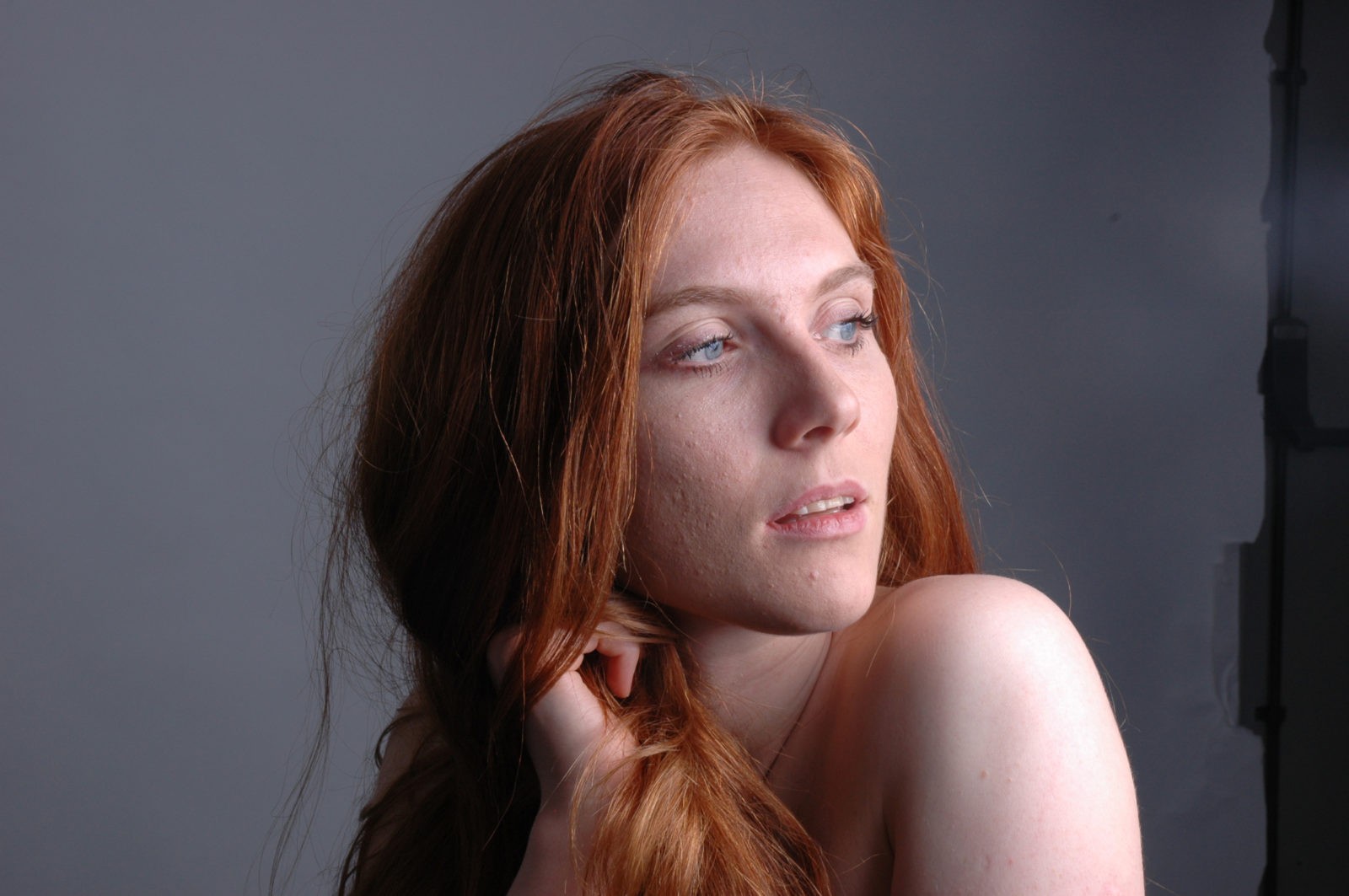

Download the Affinity work file here (includes full history and layers)
Available until 28th April 2020
Installing the Niks Collection into Affinity Photo.
Download the windows version here.
Download the Mac version here. (Available until 11th May2020)
Since the new Affinity Photo software was introduced there is one question that has been asked again and again ‘can I get the Niks software to run in Affinty’. The answer is ‘Yes’ and here is a simple way to do it.
Next, open Affinity and go to the top of the screen and click ‘edit’. 
Scroll down to the bottom and click ‘preferences’. This will open a window of icons. Just click on the icon that is titled ‘Photoshop Plugins’.
In the next window click ‘add’ and then go to your folder ‘program files‘ and open it.(c:/program files) Then find the folder ‘Google’ and open this (c:/program files/Google). Now just click ‘select folder’ in the bottom right. This will take you back to the previous ‘preference’ window. Now make sure that the box ‘Allow unknown plugins’ is checked in the bottom left.
Click ‘close’. this will prompt you to restart Affinity. Do this and hey presto your lovely Niks collection is now showing in the plugins folder under the ‘filter‘ menu on the top tool bar.
As with all new things I can’t guarantee this will work for everyone but give it a try and let me know. If you’re a Mac user I’d be grateful if you could let me know where the Google folder is to be found for future reference.
Thanks and Have fun!
Creative Lighting And fizzy Water
A step by step guide on how to create stunning, creative images with just a single light source, a glass and some liquid
A basic guide to DSLR video.
Video now comes as standard with most modern day cameras making it much easier and accessible to shoot video as well as stills. It also adds another creative element to our photography and one which I would encourage you all to have a go at. This basic guide talks you through some of the setting and tips that will help you start.
There are several free video editing software packages you can download, but one I can recommend is DaVinci Resolve. Click here to visit the website
The video below was shot mainly with a digital SLR (not the aerial footage) using nothing but the kit lens of 24-105. Note that there is virtually no panning or movement in the film as the cameras was on a tripod. Lastly watch out for the shots where the sky is moving rapidly as this is where the video has been sped up.